The CalendarBridge Mobile App Just Got Its Biggest Update Yet
The full CalendarBridge experience now lives on your phone — a unified view of every calendar, syncs and booking pages you can set up on the go, an AI scheduling assistant, and 19 languages.
Until now, the CalendarBridge mobile app was primarily a window into your unified calendar — and for the heavy lifting, like setting up syncs, you had to head to the website. That changes today. This release brings the full CalendarBridge experience to your phone.
Every calendar, one place
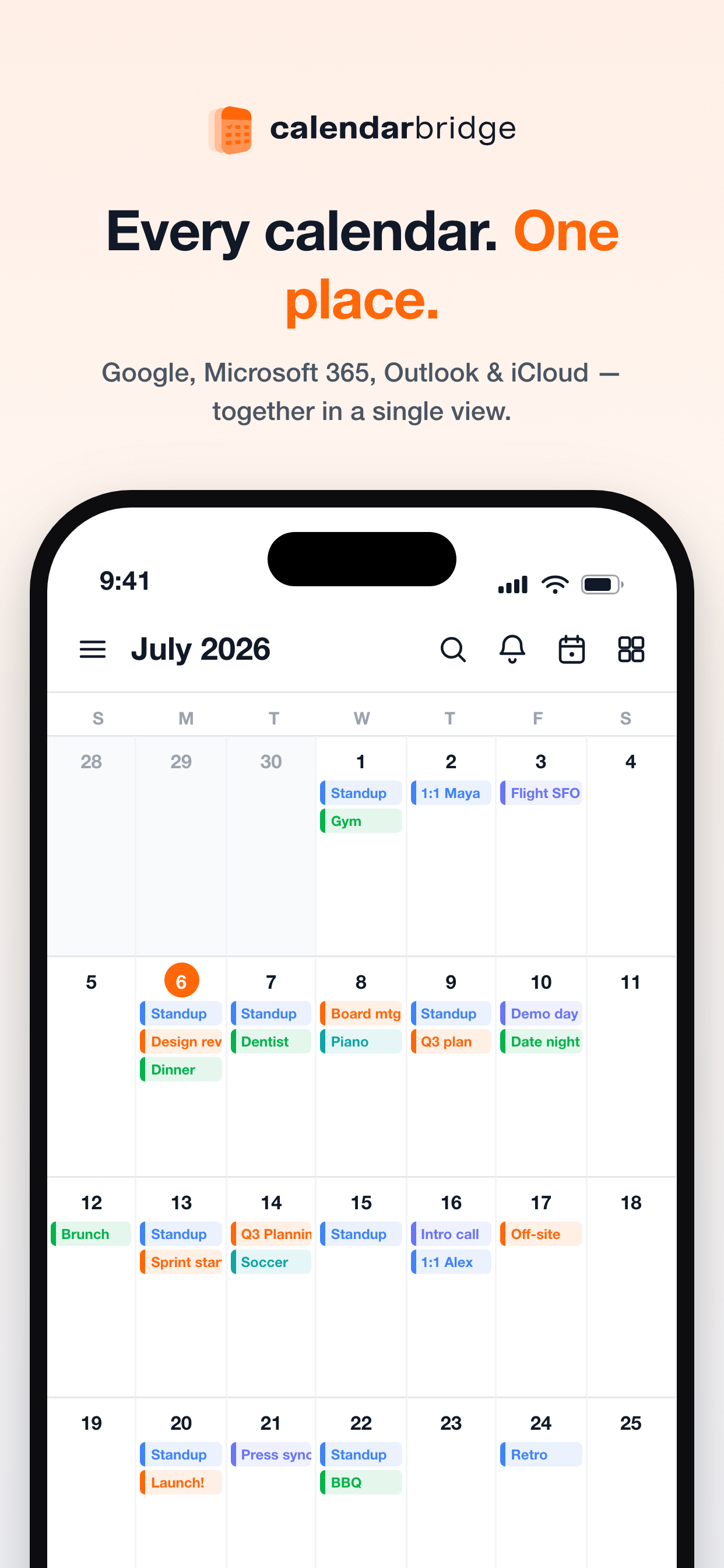
Your Google, Microsoft 365, Outlook, and iCloud calendars finally live in a single view. Color-coded events from every account sit side by side in a clean month grid, so you can see your whole life at a glance — no more app-hopping to figure out whether that Thursday slot is actually free.
Your week, your way
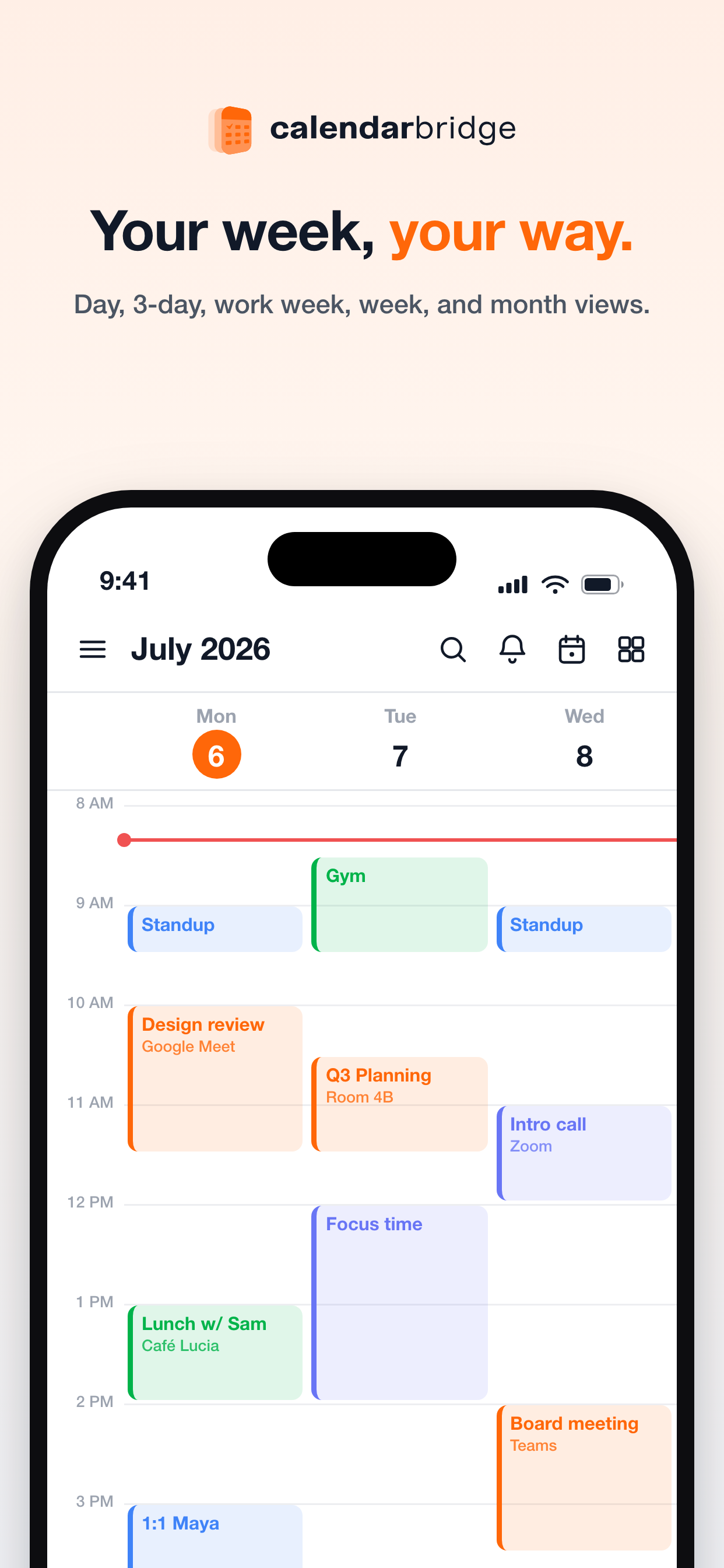
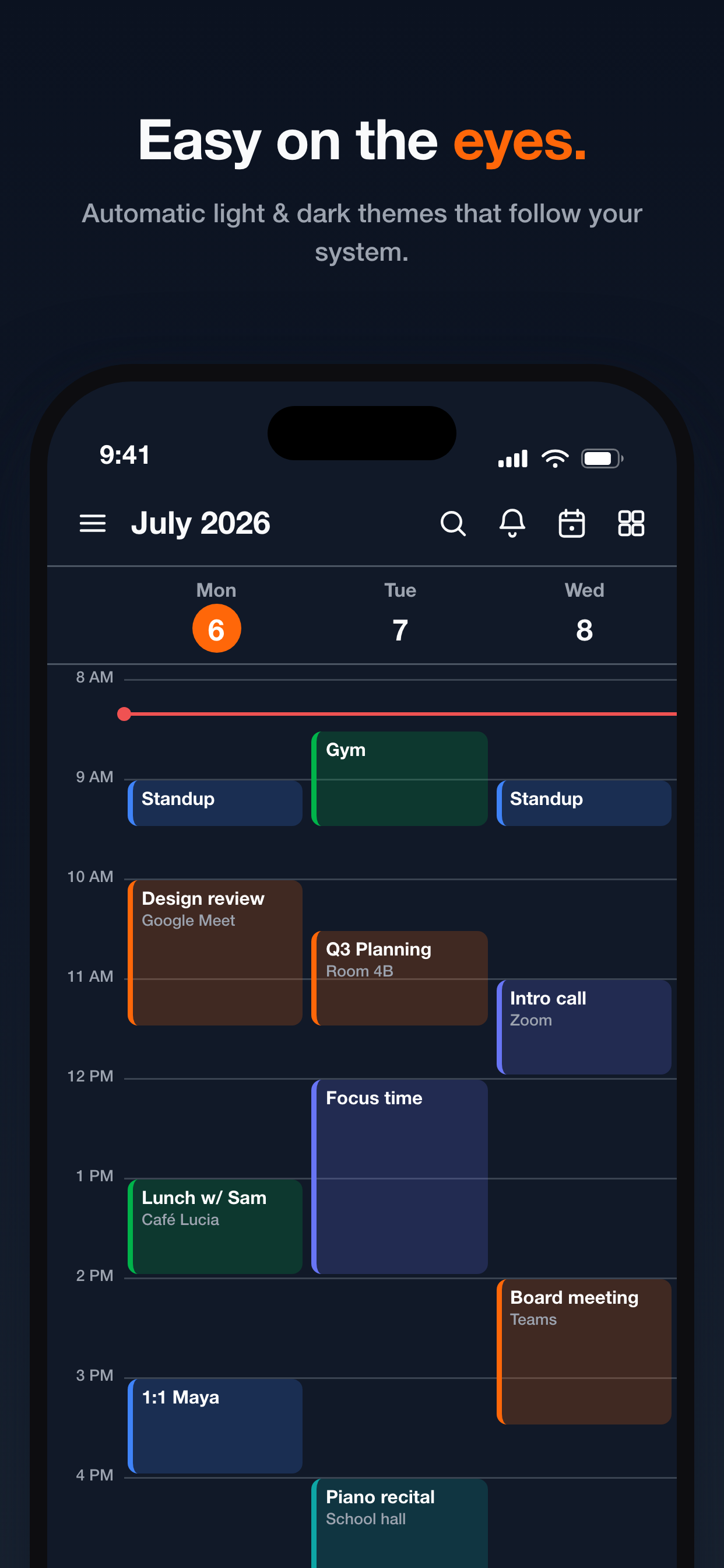
Switch between day, 3-day, work-week, week, and month views to match whatever you're planning. The time-grid views lay overlapping meetings out clearly, show conferencing details right on each event, and mark the current time — so a busy Monday reads as easily as a quiet one.
Connect all your accounts
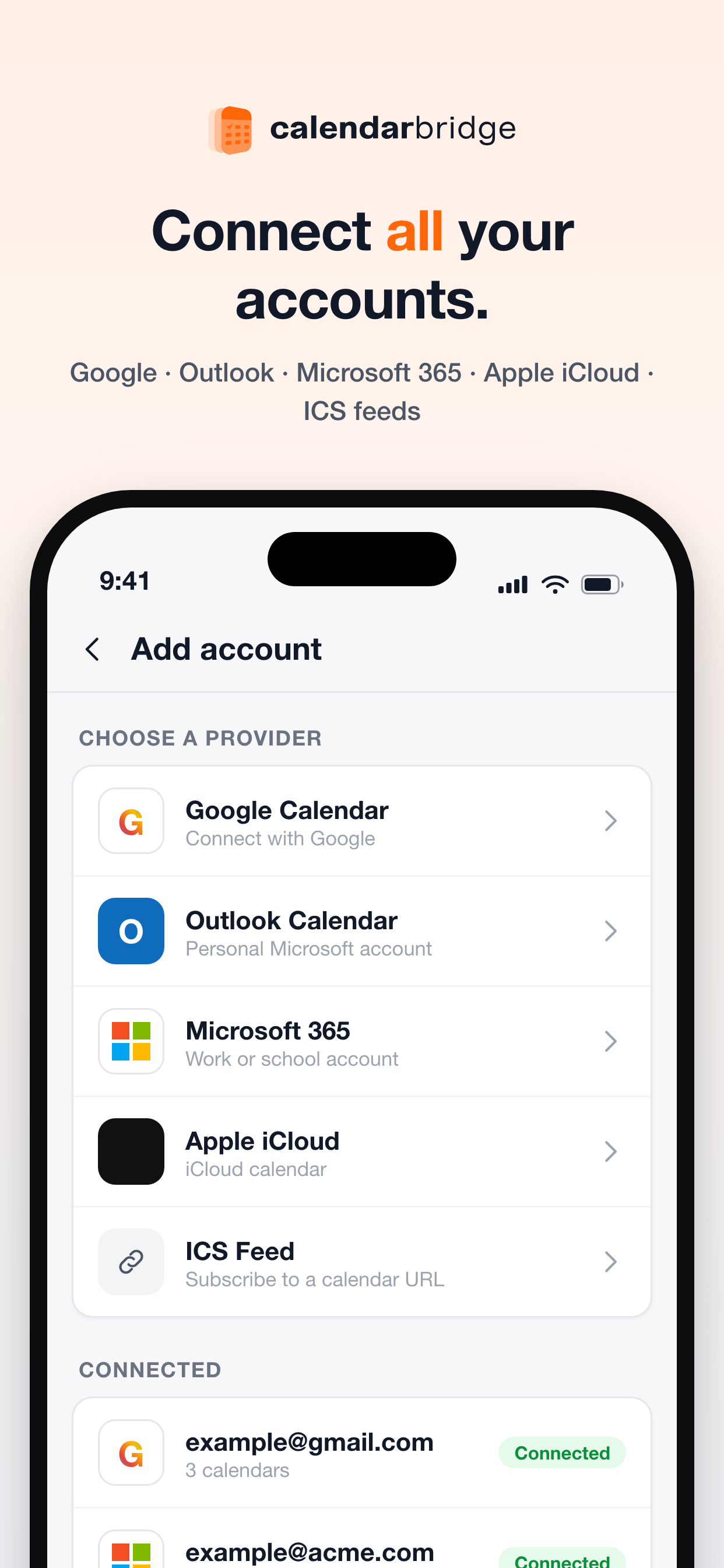
Add every calendar you own straight from the app: Google Calendar, personal Outlook, Microsoft 365 work or school accounts, Apple iCloud, and even read-only ICS feeds. Each connection takes a tap, and your connected accounts are always visible so you know exactly what's feeding into your unified view.
Events with everything
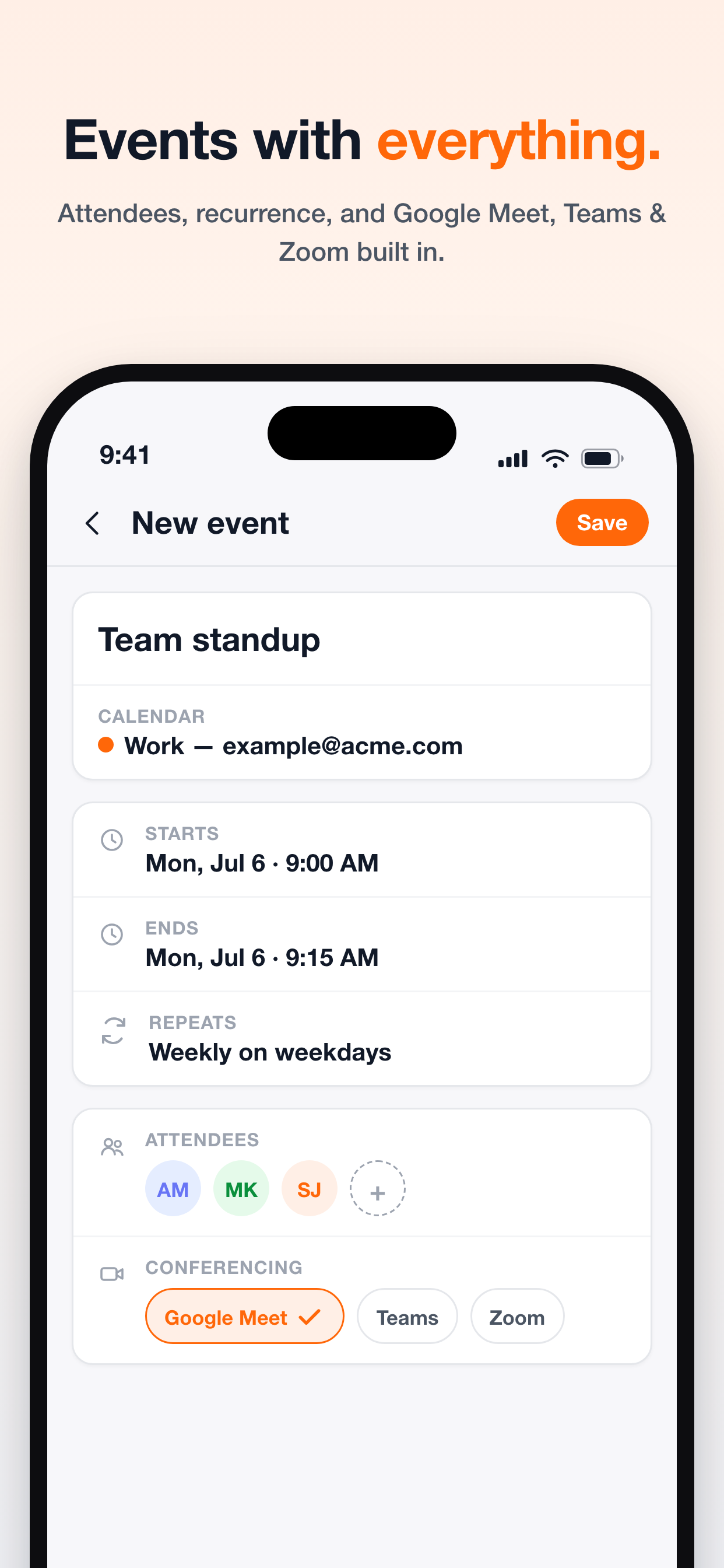
Create full-featured events without touching a browser. Pick which calendar the event belongs to, set start and end times, add recurrence like "weekly on weekdays," invite attendees, and attach a Google Meet, Teams, or Zoom link — all built right in and saved back to the right account.
Create and manage syncs right from your phone
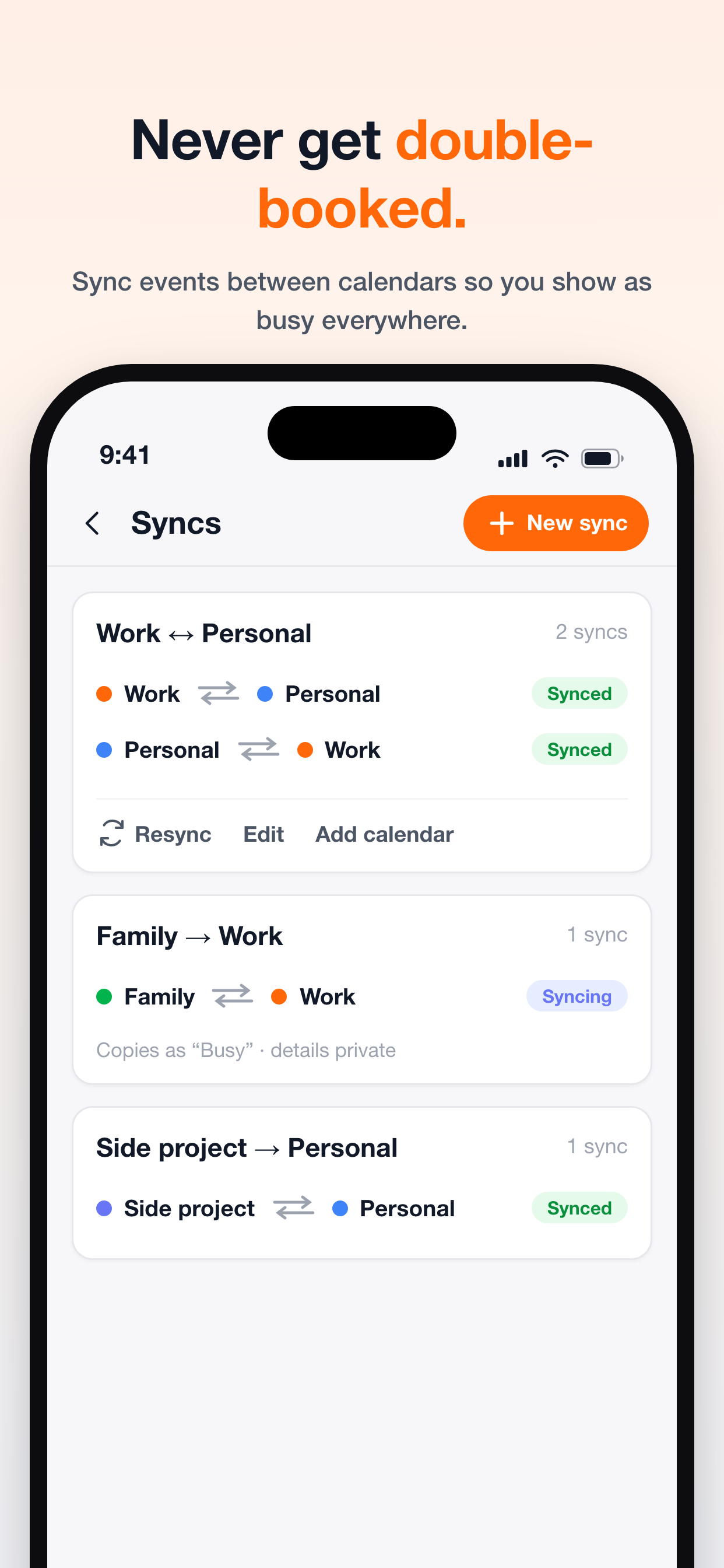
Set up calendar syncs entirely in the app. Pick a source and destination calendar, choose exactly what information carries over — event titles, attendees, descriptions, locations, conference links, reminders, or just "busy" blocks for full privacy — and even limit syncing to specific days of the week. Two-way syncs keep both calendars in lockstep so you show as busy everywhere and never get double-booked, and the new batch sync wizard links a whole group of calendars in three steps.
Booking pages, now on mobile
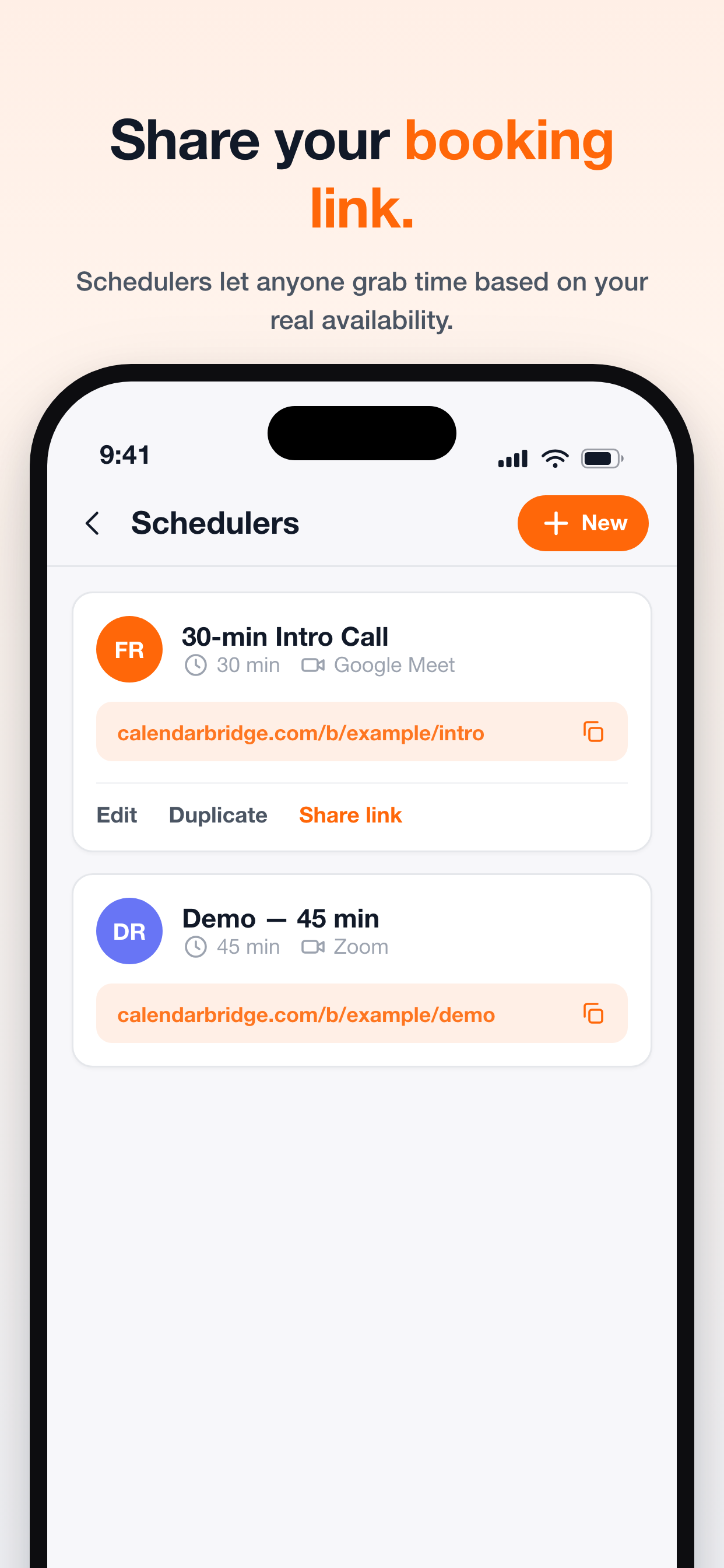
Your CalendarBridge scheduling pages are no longer desktop-only. Create and edit booking pages from the app: set your weekly availability, meeting lengths, buffer times and lead time, pick your colors, upload a photo, and claim a custom link. Then copy or share the link straight from your phone so anyone can grab time based on your real, up-to-the-minute availability.
Meet your AI scheduling assistant
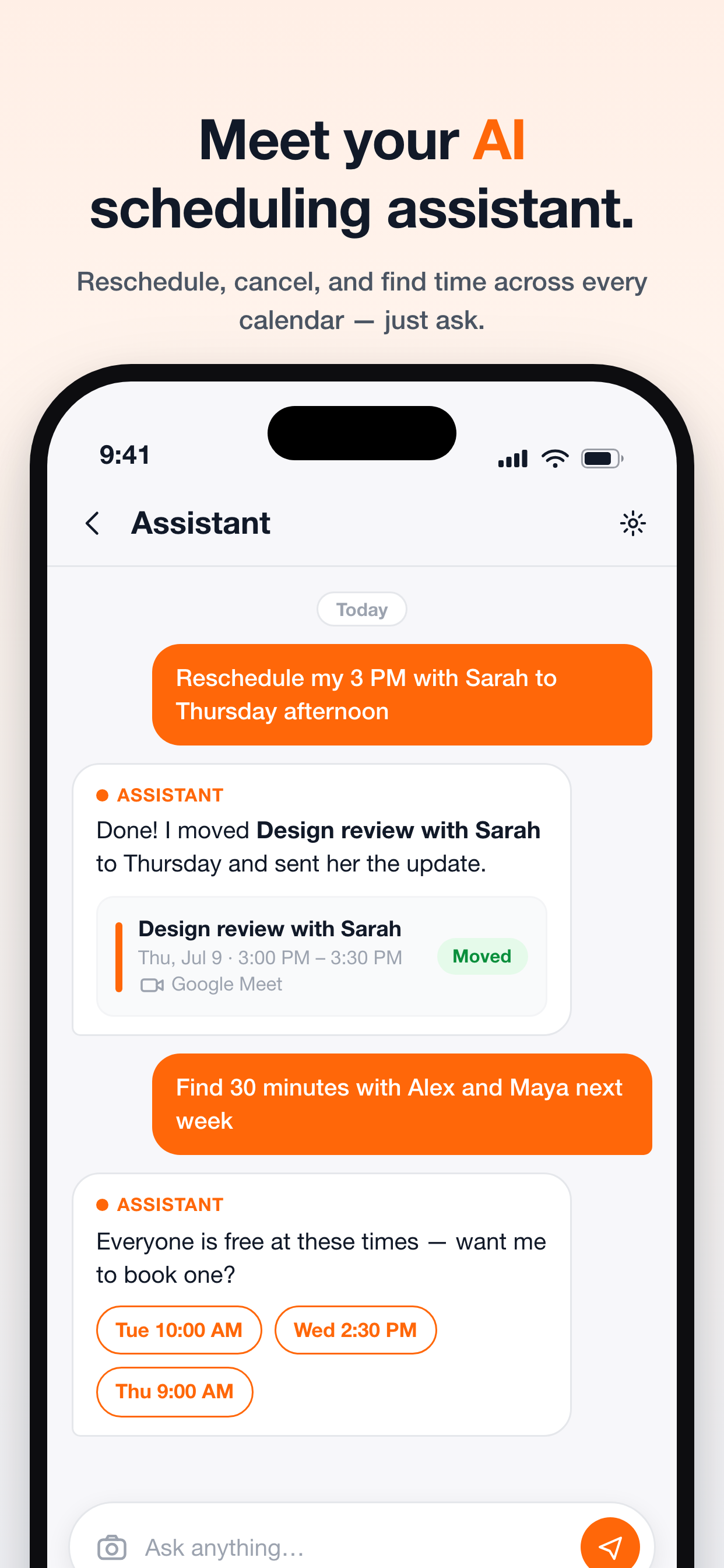
Just ask. Tell the built-in assistant to "reschedule my 3 PM with Sarah to Thursday afternoon" or "find 30 minutes with Alex and Maya next week," and it moves events, notifies attendees, and surfaces times when everyone is actually free — reading across every calendar you've connected so you don't have to.
Never miss an invite
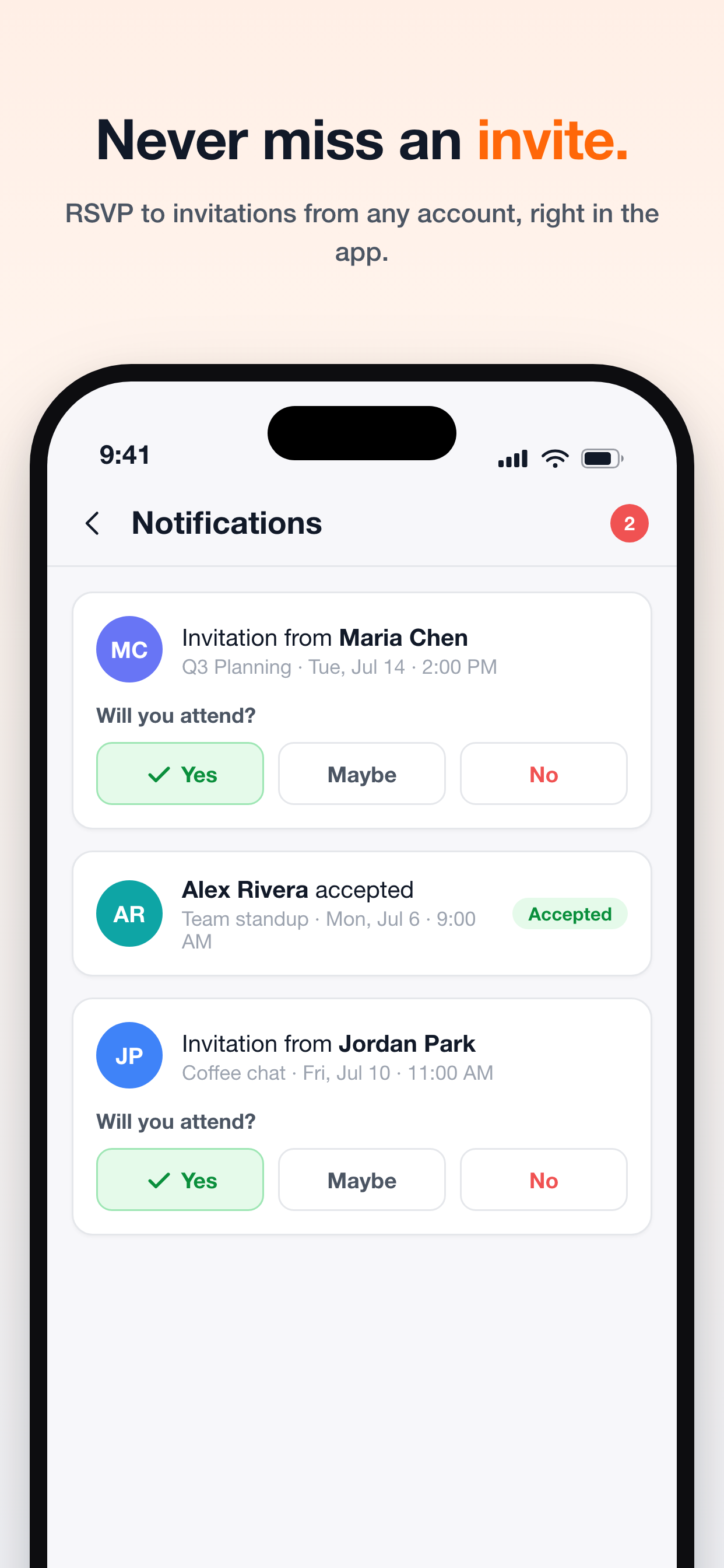
Invitations from any connected account land in one notifications inbox. RSVP Yes, Maybe, or No right from the app, and see when others respond to your events — no more digging through separate inboxes to keep track of who's coming.
Easy on the eyes
CalendarBridge now ships with automatic light and dark themes that follow your system setting. The dark theme keeps every calendar color crisp and readable, so late-night planning is as comfortable as a midday check-in.
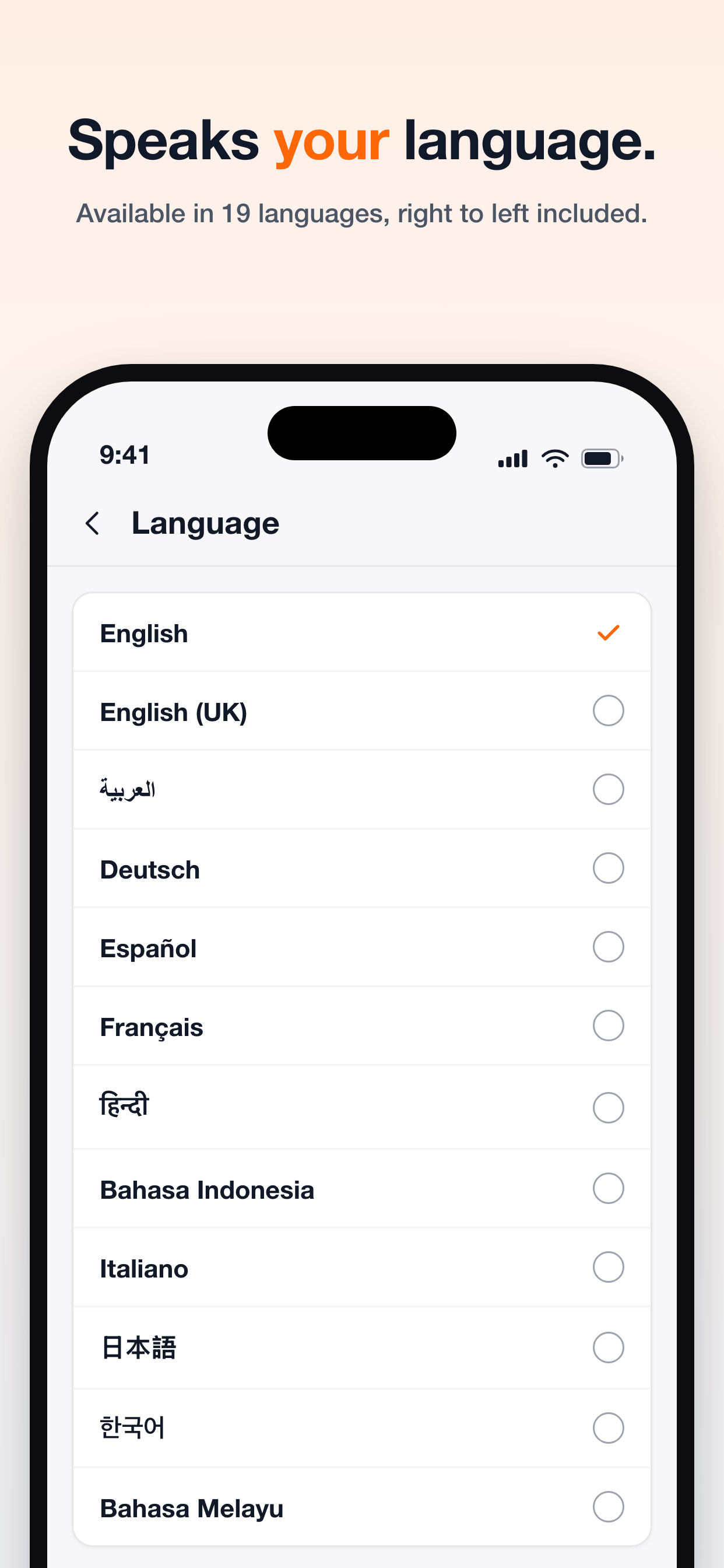
CalendarBridge in your language
We've added 13 new languages — Arabic, Dutch, Hindi, Indonesian, Japanese, Korean, Malay, Polish, Thai, Turkish, Vietnamese, Traditional Chinese, and British English — bringing the app to 19 languages in total, with full right-to-left support for Arabic. Your calendar preferences — selected calendars, custom colors, week start day, time format, and ICS subscriptions — now sync through your CalendarBridge account, so you set them once and they follow you across every device and the web app.
And easier sign-in
Sign in with Google, sign in with Microsoft, or use your company's single sign-on — just enter your work email and we'll route you to your organization's login. Plus a refreshed getting-started tour for new users, in-app help, and plenty of polish throughout.
The whole CalendarBridge, now in your pocket.
Update to the latest version on the App Store or Google Play, connect your Google, Microsoft, and iCloud calendars, and run your whole schedule from your phone.
Start Free Trial