Update Group Credit/Debit Card
Updating the credit/debit card for a group account can only be performed by the primary/billing administrator of the group account (by default, the user who originally created the group account).
Steps
-
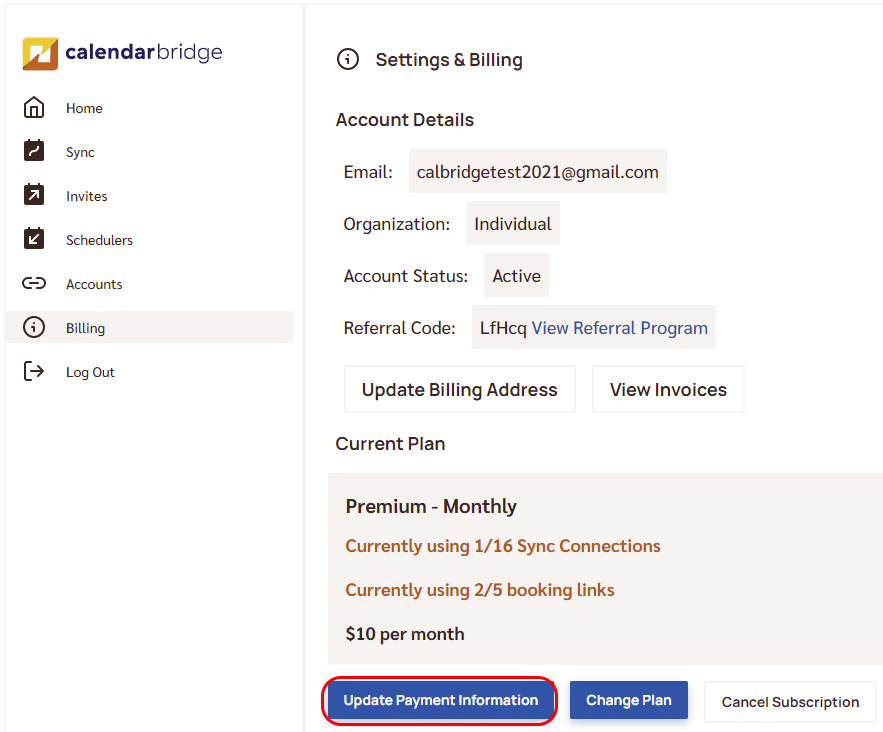
Open Billing and click “Update Payment Information”
Go to Billing on the left nav and click the “Update Payment Information” button at the bottom.
-
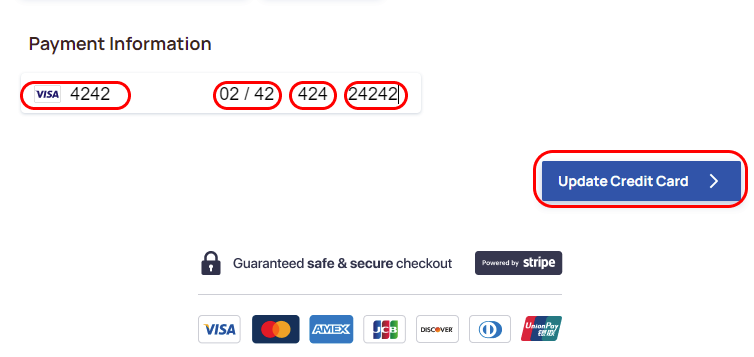
Enter your card details
In the form that appears, enter the credit card number, expiration date, CVC, and ZIP.
-
Click “Update Credit Card”