View Group Invoices/Receipts
Viewing invoices for a group account can only be performed by the primary/billing administrator (by default, the user who originally created the group account).
View / download past invoices and receipts
-
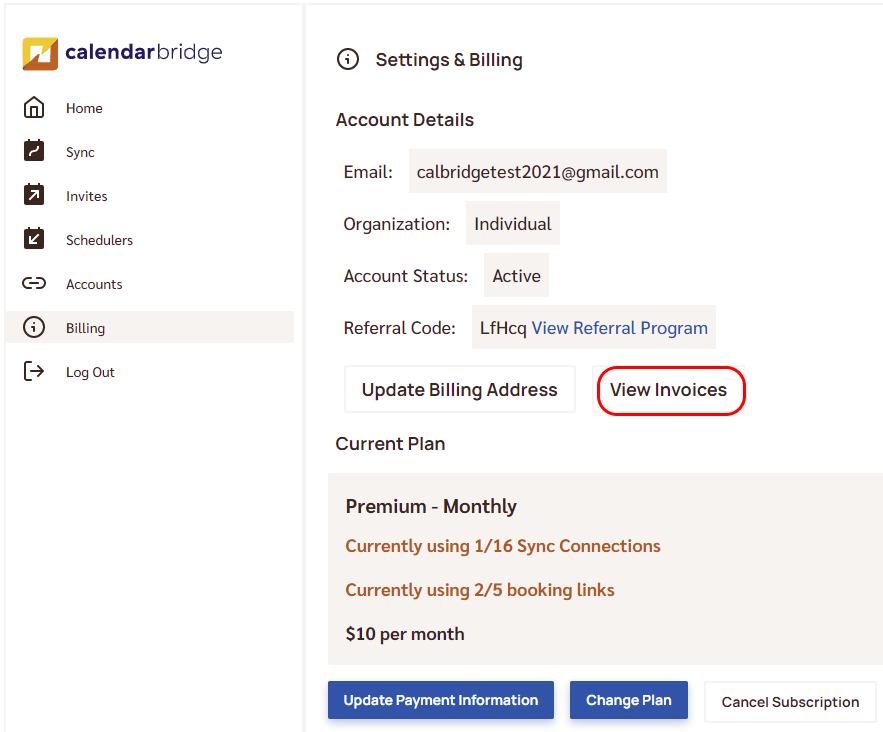
Open Billing and click “View Invoices”
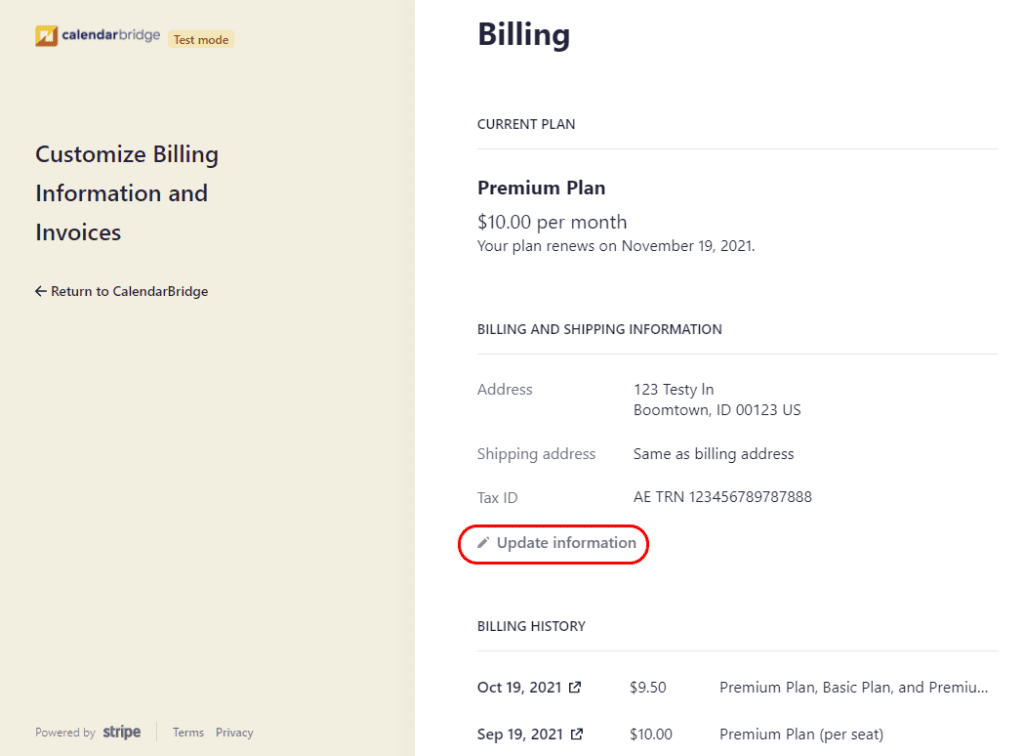
When logged into your CalendarBridge dashboard, go to “Billing” in the left menu, then click the “View Invoices” button. After a few seconds this redirects you to your customer portal on Stripe’s website.
-
Click the date of the invoice to view it