Edit a Scheduling Link
Edit your custom calendar scheduling link in a flash.
-
Go to your schedulers overview pageWhile logged into the CalendarBridge dashboard, click the “Schedulers” link on the left navigation bar. Or just enter https://calendarbridge.com/dashboard/scheduling into your browser.
-
Open the scheduler editor
Find the scheduler you would like to edit, click the three dots in the upper right corner, and click “edit”.
-
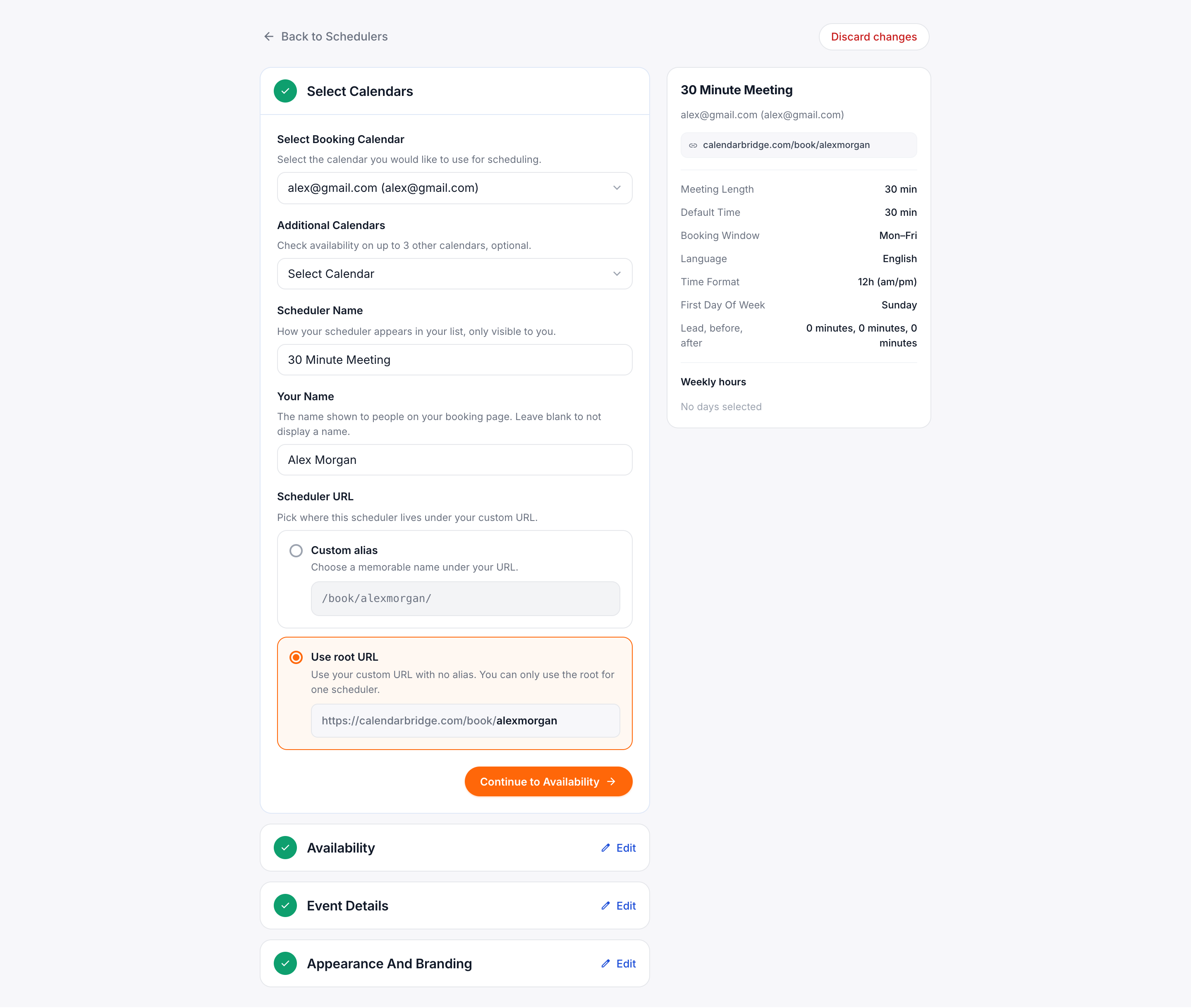
Make the desired changesAdjust whichever scheduler settings you want to update.
-
Save your changesClick “Save Changes and Finish”.