Resyncing a Sync Connection
Occasionally an event update may not sync. The daily sync verification job usually resolves it, but you can also use the “resync” button on your syncs page.
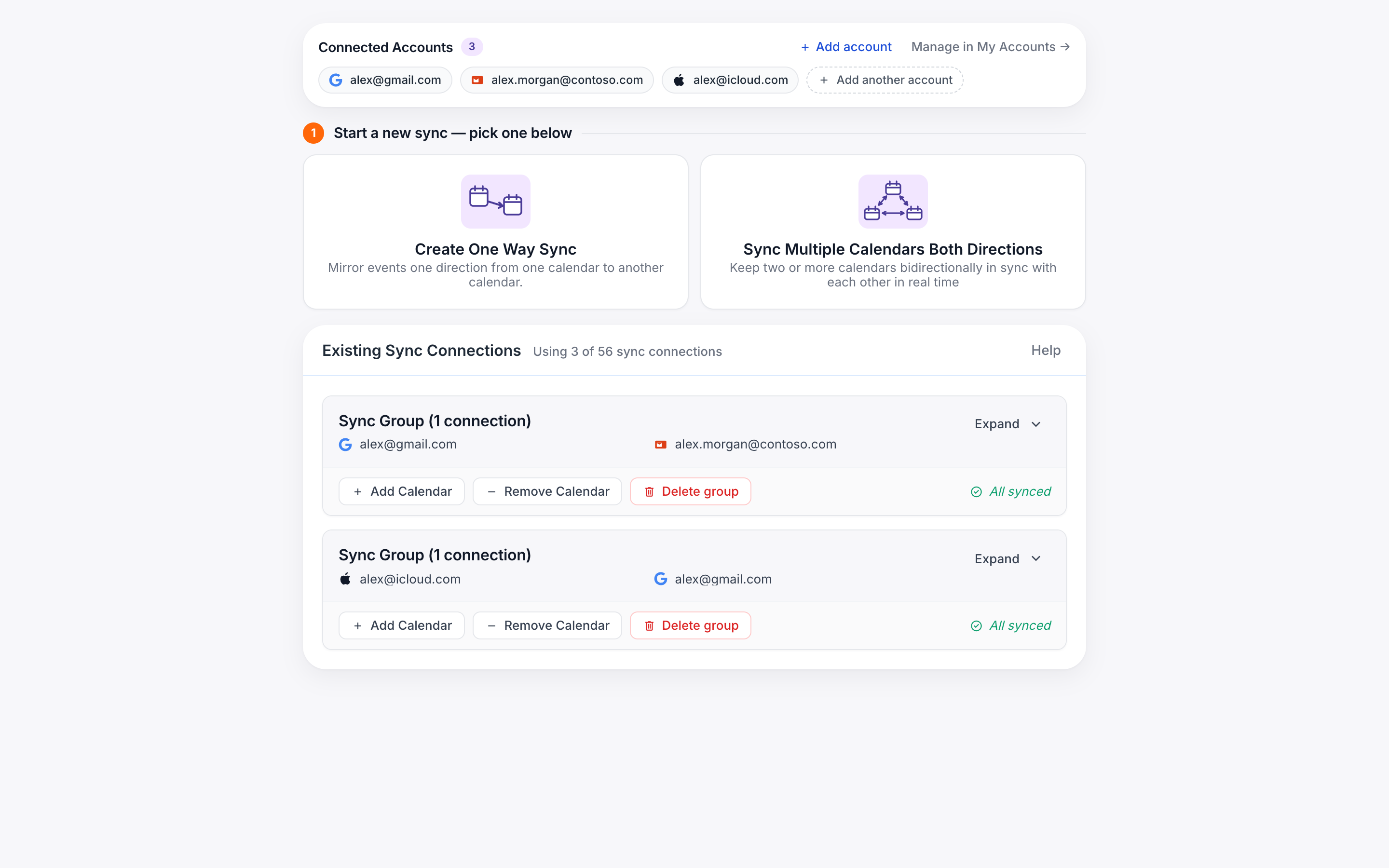
Occasionally an event update may not sync for various reasons. Typically this will be resolved by the sync verification job that is run on every sync connection once per day. If you need the issue resolved sooner, you can use the “resync” button on the sync connection on your syncs page, but it comes with some caveats:
- The date from which events sync will be reset to the beginning of the month in which the resync is performed. That is if your sync connection is older than the current month, events from previous months will no longer sync after the resync (except ongoing recurring events).
- resyncing causes a lot of API activity on your calendars so it is limited to once per day per connection to reduce the risk of Google or Microsoft throttling your account.