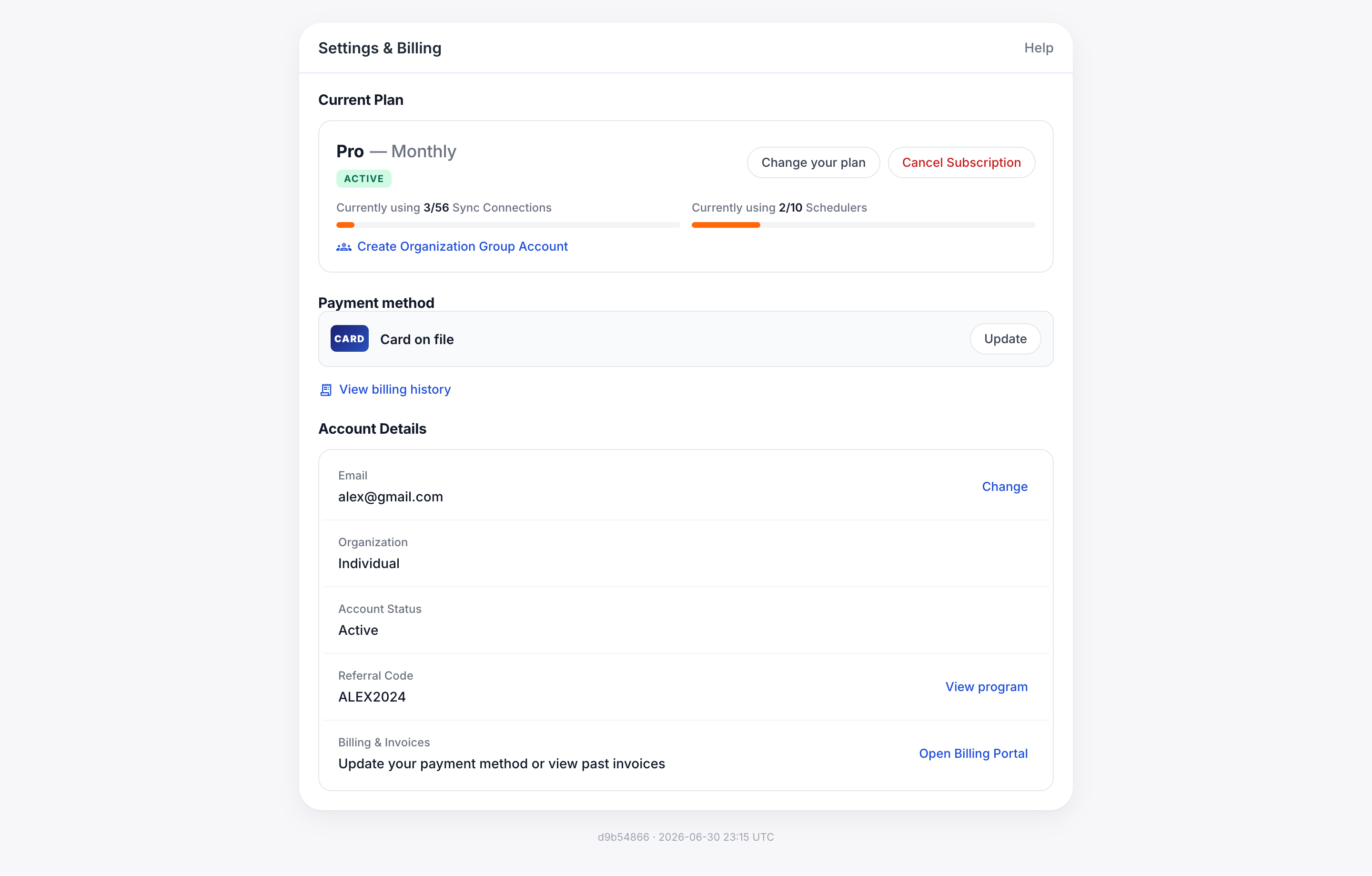
更新您的信用卡或簽帳金融卡 依照 3 個簡單步驟在 CalendarBridge 中更新您的付款資訊。 C Chad 更新於 2025 年 3 月 3 日 1 分鐘閱讀 前往左側導覽的「Billing」,然後按一下底部的「Update Payment Information」按鈕 在出現的表單中,輸入: 信用卡號碼 卡片到期日 CVC 郵遞區號 按一下「Update Credit Card」