Connect Fastmail, Zoho, Yahoo, AOL, and Any CalDAV Calendar
First-class CalDAV support lands today — sync, schedule, and manage calendars on Fastmail, Zoho, Yahoo, AOL, Nextcloud, and any CalDAV-compatible server.
CalendarBridge now connects to Fastmail, Zoho Calendar, Yahoo Calendar, AOL Calendar, Nextcloud, and any other CalDAV-compatible calendar — and they work everywhere: syncs, scheduling links, the unified calendar, the AI Scheduling Assistant, and the MCP server for your own AI agent.
Your calendar, wherever it lives
Until now, CalendarBridge connected Google, Microsoft 365 / Outlook, Apple iCloud, and read-only ICS feeds. That covered most calendars — but not everyone keeps their schedule with the big three. Fastmail users, Yahoo and AOL holdouts, Zoho shops, and self-hosters running Nextcloud have asked for first-class support for years.
It's here. CalendarBridge now speaks CalDAV — the open calendar standard — to Fastmail, Zoho Calendar, Yahoo Calendar, AOL Calendar, Nextcloud, and any other CalDAV-compatible server.
Works with everything CalendarBridge does
A CalDAV account isn't a second-class citizen. Once connected, it plugs into every CalendarBridge feature:
- Syncs — real-time one-way or two-way sync between your CalDAV calendar and Google, Microsoft, iCloud, or another CalDAV calendar, with the same privacy controls (busy-only, tags, color filters) you already use.
- Scheduling links — your Fastmail or Yahoo calendar counts toward availability, so double-bookings can't sneak in through a booking page.
- Unified calendar — see and manage all your calendars side by side in the CalendarBridge dashboard and mobile app.
- AI Scheduling Assistant — your assistant reads availability across every connected calendar, CalDAV included.
- MCP server — your own AI agent (Claude, ChatGPT, Cursor, and friends) can manage CalDAV calendars through the CalendarBridge MCP server.
Connecting takes two minutes
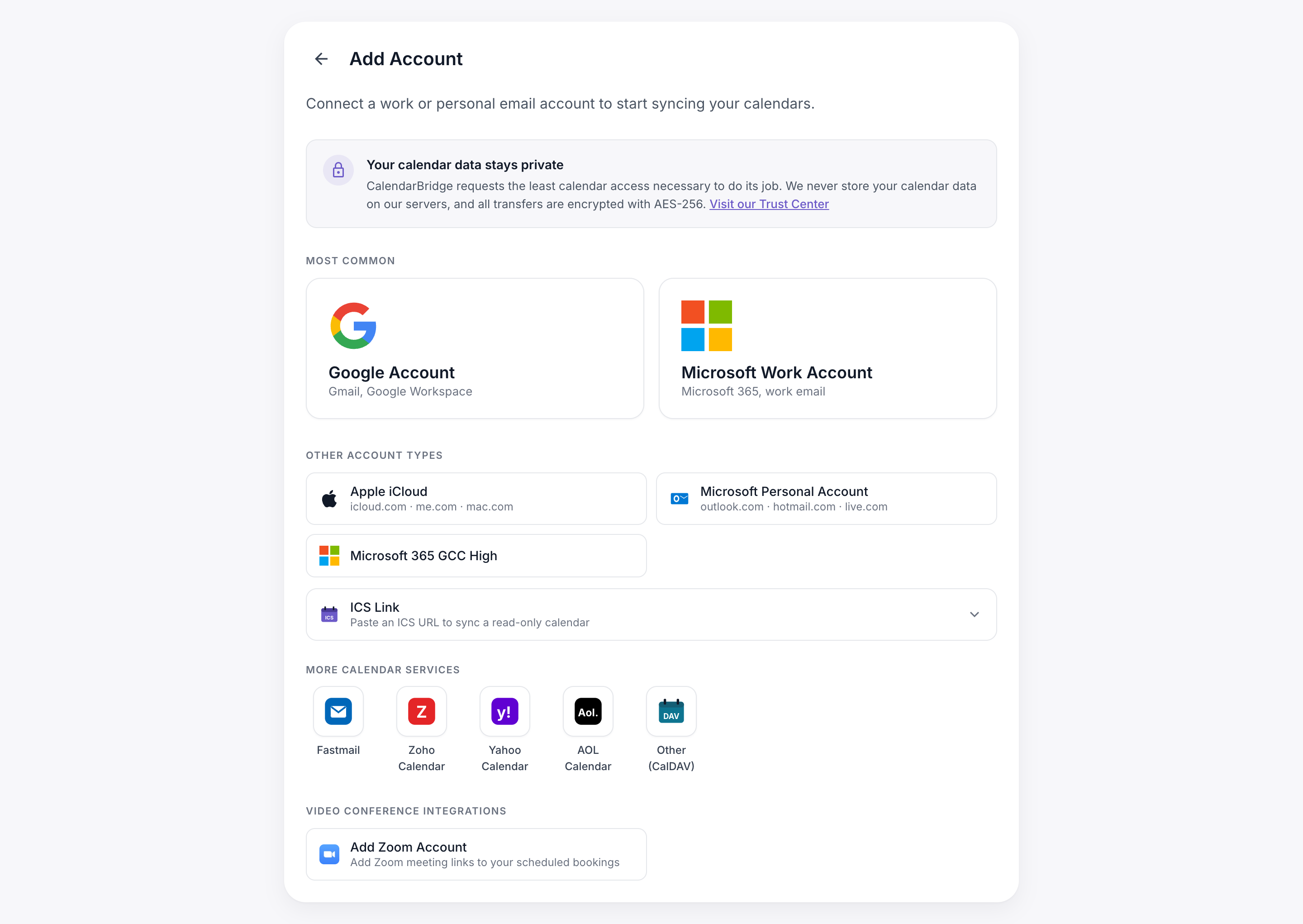
Every CalDAV service uses an app password — a single-purpose password you generate on the provider's security page, so your real login never touches CalendarBridge and you can revoke access anytime. Open Accounts → Add Account, pick your provider under More calendar services, and sign in with your email and app password. Self-hosted server? Choose Other (CalDAV) and add your server's URL.
Step-by-step guides: our new Connecting CalDAV Accounts doc walks through creating an app password on each service — Fastmail, Zoho, Yahoo, AOL, and Nextcloud.
The details we sweated
CalDAV servers each have their own dialect, and we did the dirty work so you don't have to think about it: recurring events with moved or deleted occurrences sync faithfully, all-day events land on the right day in every timezone, and changes are picked up automatically. It's the same sync engine that already moves millions of events for Google, Microsoft, and iCloud calendars — now speaking a few more languages.
Bring your whole calendar life together
Connect your Fastmail, Zoho, Yahoo, AOL, or Nextcloud calendar and keep every calendar you own in sync — free for 14 days.
Start Free Trial