Use Your Own Domain for Booking Links
Share booking links on a domain you own — like meet.example.com/intro — instead of a calendarbridge.com address. There are two ways to do it: a redirect rule at your DNS host, or embedding the booking page on your own site.
How your booking links are structured
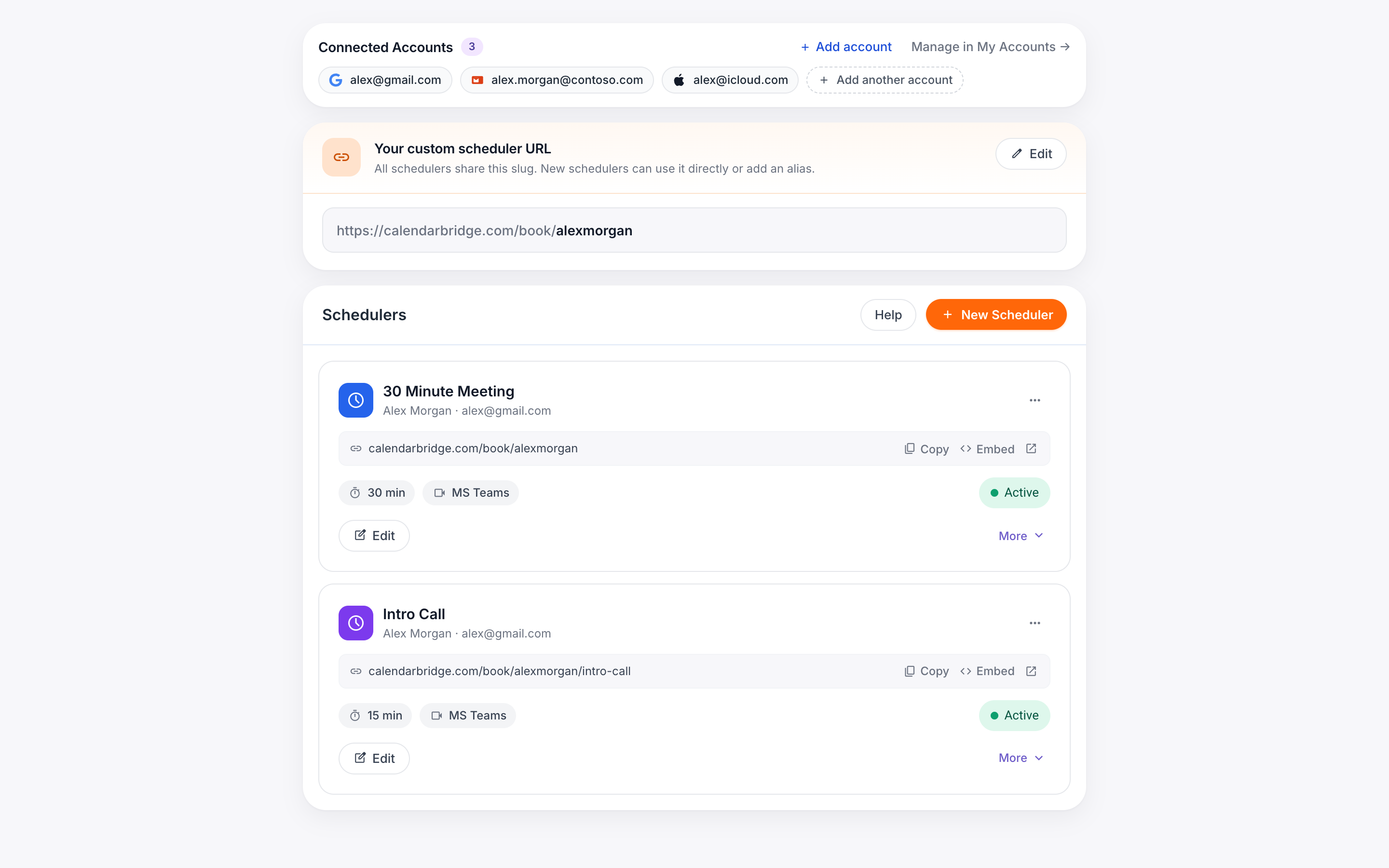
Every scheduler you create gets a booking link on calendarbridge.com. With a paid subscription you can set a custom ID so your links follow a predictable format:
https://calendarbridge.com/book/<your custom id>/<scheduler>
For example, if your custom ID is “acme”, your links look like calendarbridge.com/book/acme/intro, calendarbridge.com/book/acme/demo, and so on.
Because you control your own domain’s DNS and hosting, you can put those links behind addresses on a domain you own — no changes to your CalendarBridge account are required, and bookings, availability, and confirmation emails work exactly the same either way. Both approaches below also work with the default calendarbridge.com/book/<random id> links, but a custom ID keeps the mapping easy to read and maintain.
Option 1: Redirect your domain to your booking link
The quickest approach: add a redirect (URL forwarding) rule wherever your domain is managed — Cloudflare, your registrar, or your web host. When someone visits meet.example.com/intro, they are forwarded straight to your booking page.
-
Create the subdomainIn your DNS provider, add a record for the subdomain you want to use (for example meet.example.com). If you are using a redirect service like Cloudflare, follow its instructions for enabling rules on that hostname.
-
Add a redirect ruleMap each path on your subdomain to the matching booking link. In Cloudflare this is a Redirect Rule; most registrars and hosts offer an equivalent (“URL forwarding”, “URL redirect record”, or an .htaccess/server rule).
If your provider supports wildcards, one rule can cover every scheduler at once:meet.example.com/intro → https://calendarbridge.com/book/acme/intro meet.example.com/demo → https://calendarbridge.com/book/acme/demoSource: https://meet.example.com/* Target: https://calendarbridge.com/book/acme/${1} Type: 301 (permanent) -
Test itOpen meet.example.com/<scheduler> in a private browser window and confirm it lands on the right booking page.
Option 2: Embed the booking page on your own site
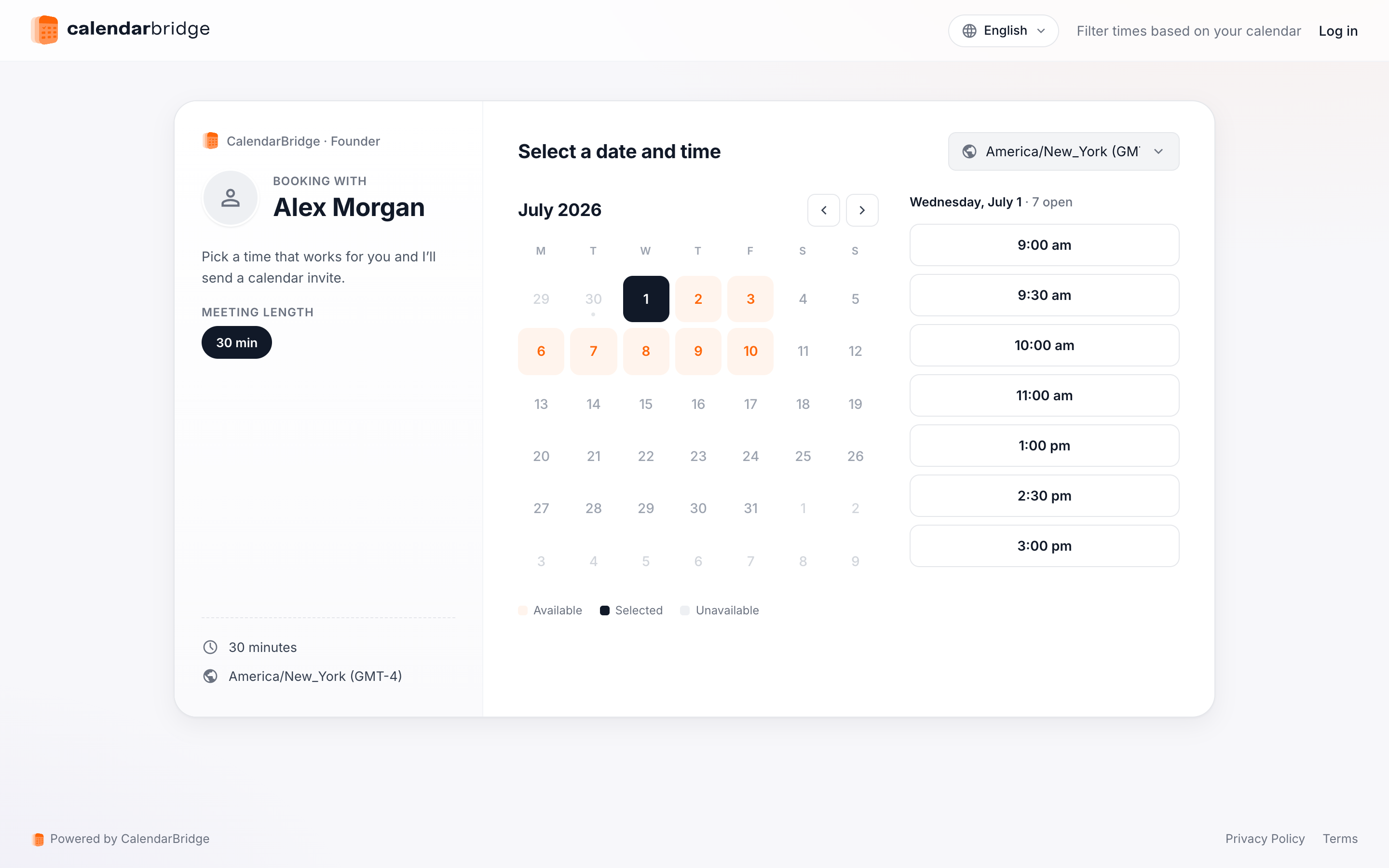
If you want visitors to stay on your domain from start to finish, host a page at your chosen address and embed the booking page in it. CalendarBridge generates the embed code for you.
-
Open your schedulersClick ‘Scheduling’ in the left nav menu, or go to https://calendarbridge.com/dashboard/schedules.
-
Click ‘Embed’ on the schedulerEach scheduler card has an ‘Embed’ button that opens the embed code dialog. If you have set a custom URL, you can toggle between embedding the custom URL or the scheduler’s random ID.
-
Copy the snippet into your pageClick ‘Copy code’ and paste the snippet into the page you host at meet.example.com/intro:
<iframe src="https://calendarbridge.com/book/acme/intro" style="width: 100%; height: 800px; border: none;"></iframe>
The host page can be as small as you like. This minimal page fills the whole browser window with the booking page:
<!doctype html>
<html>
<head><title>Book time with Acme</title></head>
<body style="margin: 0">
  <iframe src="https://calendarbridge.com/book/acme/intro"
          style="width: 100%; height: 100vh; border: none;"></iframe>
</body>
</html>
The visitor picks a time, enters their details, and gets their confirmation — all without the address bar ever leaving meet.example.com. The booking is still processed by CalendarBridge, so availability, calendar invites, and notifications work exactly as they do on the direct link.
Which approach should you use?
| Redirect | Embed | |
|---|---|---|
| Setup | One rule at your DNS host — no page to host | Host a small page containing the embed snippet |
| Visitor’s address bar | Ends on calendarbridge.com | Stays on your domain the whole time |
| Best for | Short, memorable links in signatures and print | A branded booking experience on your own site |
You can also combine them: embed the booking page at meet.example.com/intro for the branded experience, and let a wildcard redirect catch any other scheduler paths you haven’t built a page for yet.