Change Your Login Email Address
Switch the primary email address you use to log in to CalendarBridge to any of your other connected calendar accounts — directly from the Billing page.
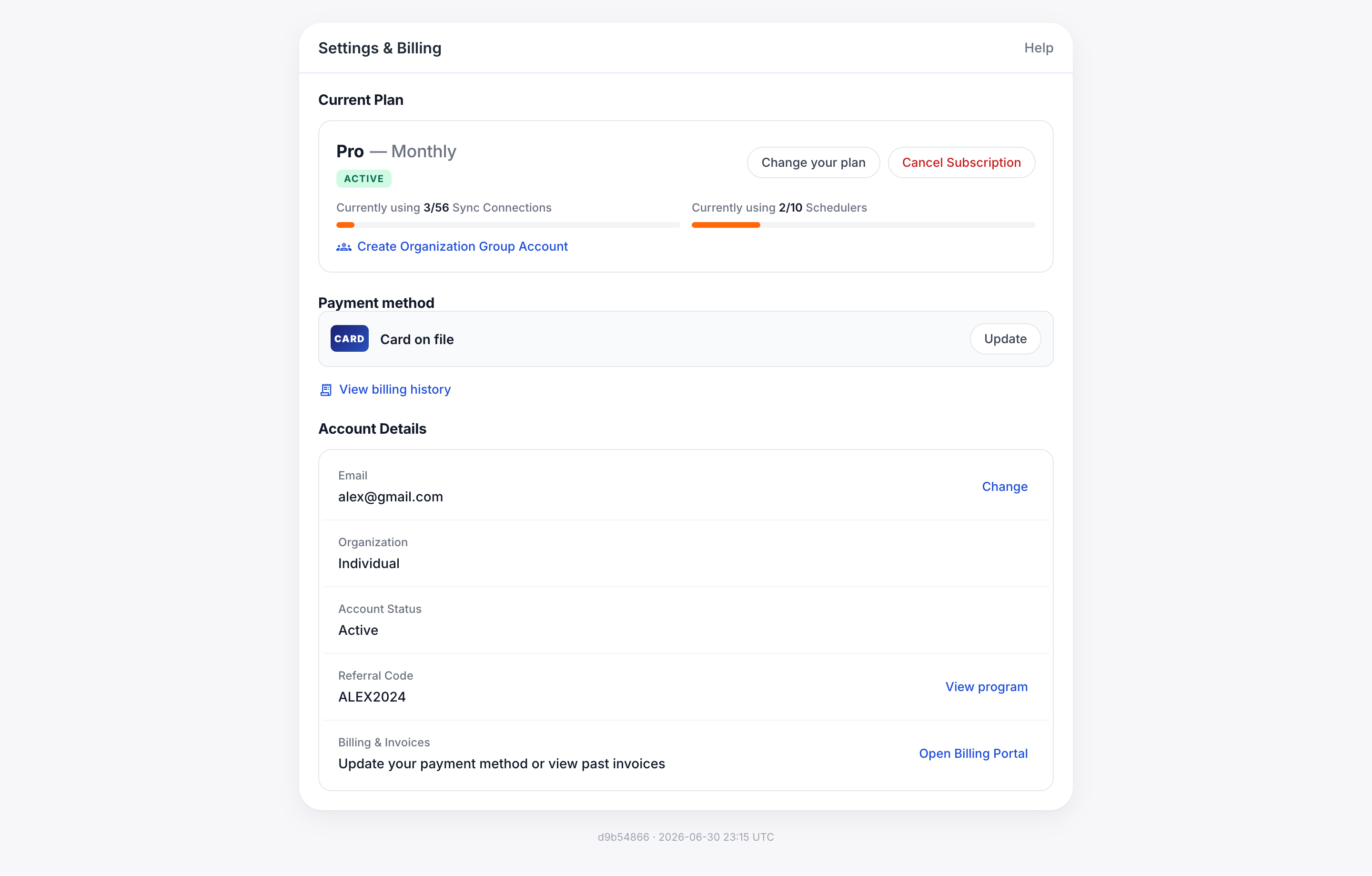
Your login email (also called your primary email) is the address you sign in with, and it is where invoices and account notices are sent. You can change it to any other calendar account already connected to your CalendarBridge account.
-
When logged into your CalendarBridge dashboard, go to ‘Billing’ in the left menu and scroll to the Account Details card.
-
Click the Change button next to your email address.
A panel opens asking you to select one of your connected accounts to use as your new primary login email. It lists every connected calendar account other than your current login address.
-
Click ‘Use this email’ next to the address you want.
-
Confirm the change.
CalendarBridge asks you to confirm that you want to change your primary login email to the selected address. Click OK, and once you see the success message you will be signed out automatically.
-
Log back in with your new email address.
That’s it — your subscription, sync connections, schedulers, and settings are unchanged. Only the address you log in with (and where invoices are sent) is different.
Troubleshooting
- “No other connected accounts. Connect another account first.” — The panel only offers addresses that are already connected as calendar accounts. Connect the account you want to log in with (see Connecting Calendar Accounts), then try again.
- “CalendarBridge email already exists” — The address you selected already has its own separate CalendarBridge account, so it can’t become the login email for this one. Log in to that other account and delete or cancel it first, or contact support and we can help you merge things.
- I don’t see a Change button — The button is only available on Individual accounts. If your seat is part of an organization group account, ask your group admin or contact support to change your login email.
- I can’t log in at all — If you no longer have access to your current login email, see I Need to Cancel My Subscription but Cannot Login or contact support.